Everything you need to create professional PDF documents from HTML and CSS on Windows or Android
Most HTML-to-PDF tools shell out to a headless browser such as Chromium, Puppeteer, or wkhtmltopdf. PDFMaker is different: it parses the HTML, computes the CSS cascade, lays out the page, and draws every glyph, image, and shape with its own native engine written in Rust. No Chromium, no WebView, no Node.js — just a small, fast, fully self-contained converter that produces identical output everywhere it runs.
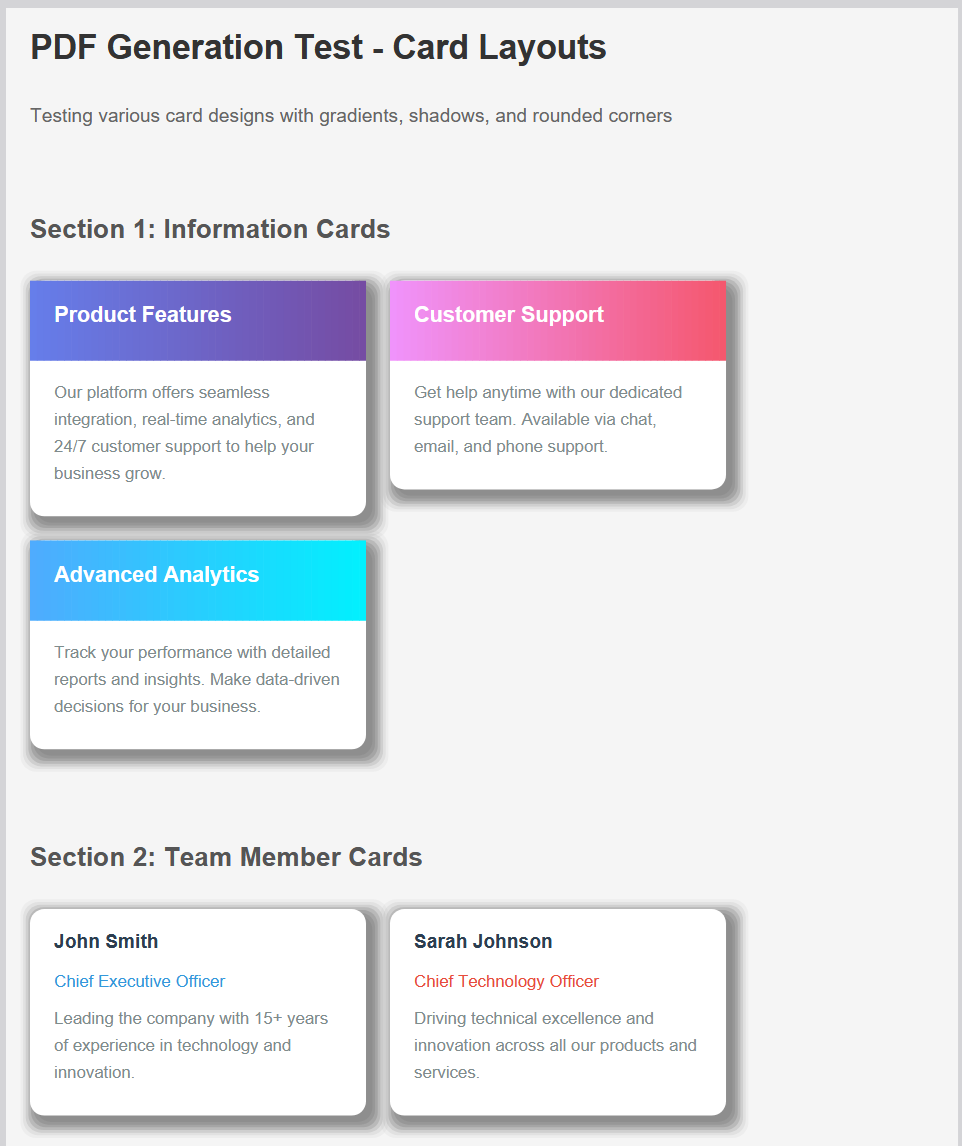
PDFMaker supports a comprehensive range of CSS properties, giving you complete control over your document's appearance.
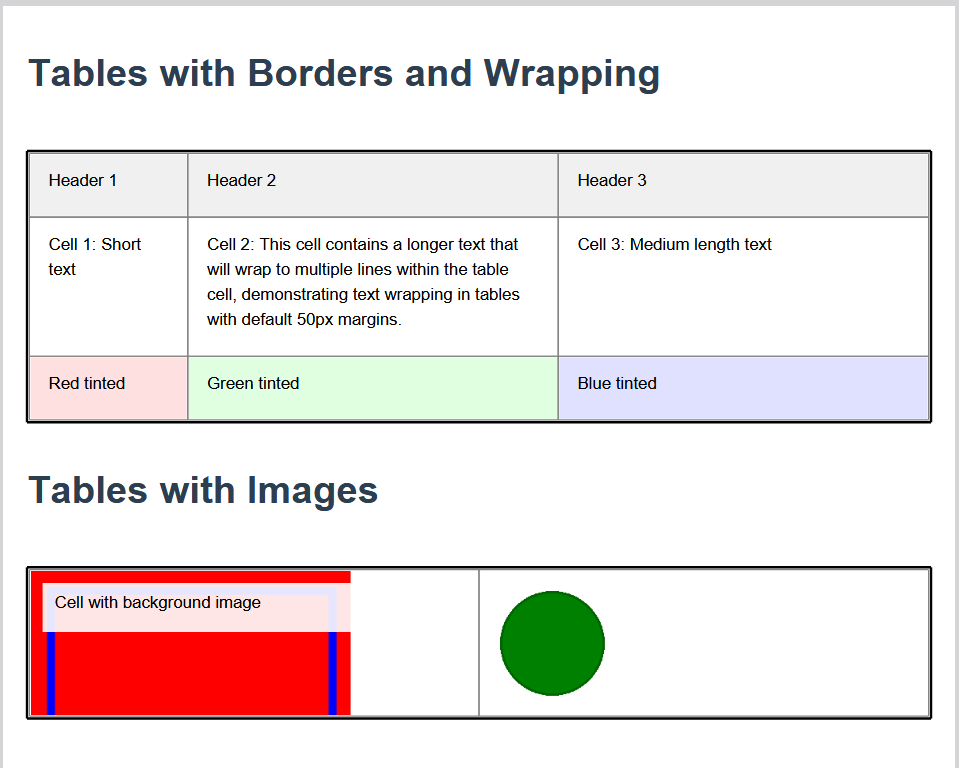
Create professional tables with full control over borders, spacing, and styling. Perfect for invoices, reports, and data presentations.
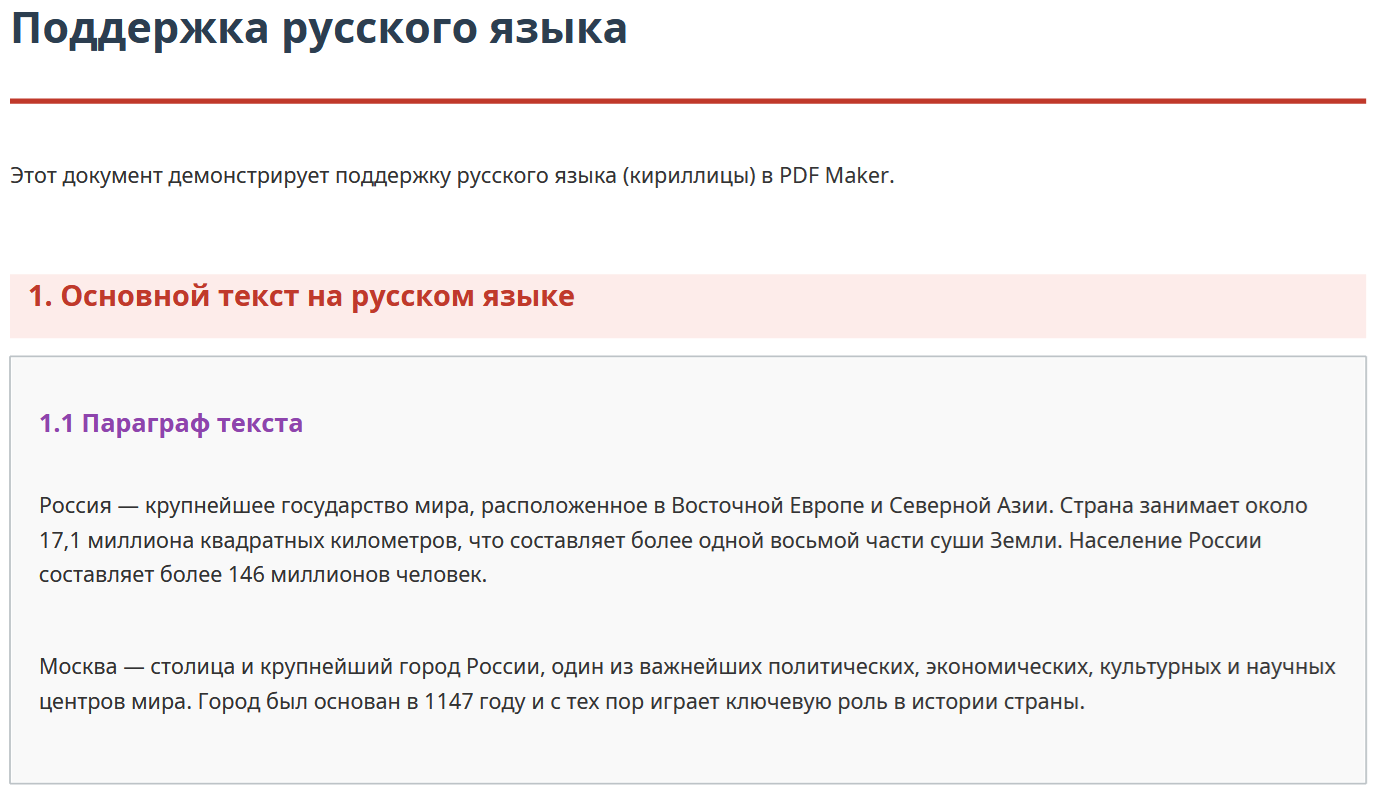
Create documents in any language with proper text shaping and rendering. Built-in fonts for worldwide character support.
Embed images and graphics with full control over sizing, positioning, and effects.
Every tool you need for professional PDF generation
Full HTML5 element support including semantic elements, forms, and modern markup.
Comprehensive CSS3 support for modern styling including flexbox and transforms.
Complex table layouts with merged cells, borders, and precise column control.
Chinese, Japanese, and Korean text with proper fonts and line breaking.
Arabic and Hebrew with correct right-to-left layout and text shaping.
Full color emoji support with the complete Noto Color Emoji set.
Linear and radial gradients with multiple color stops and angles.
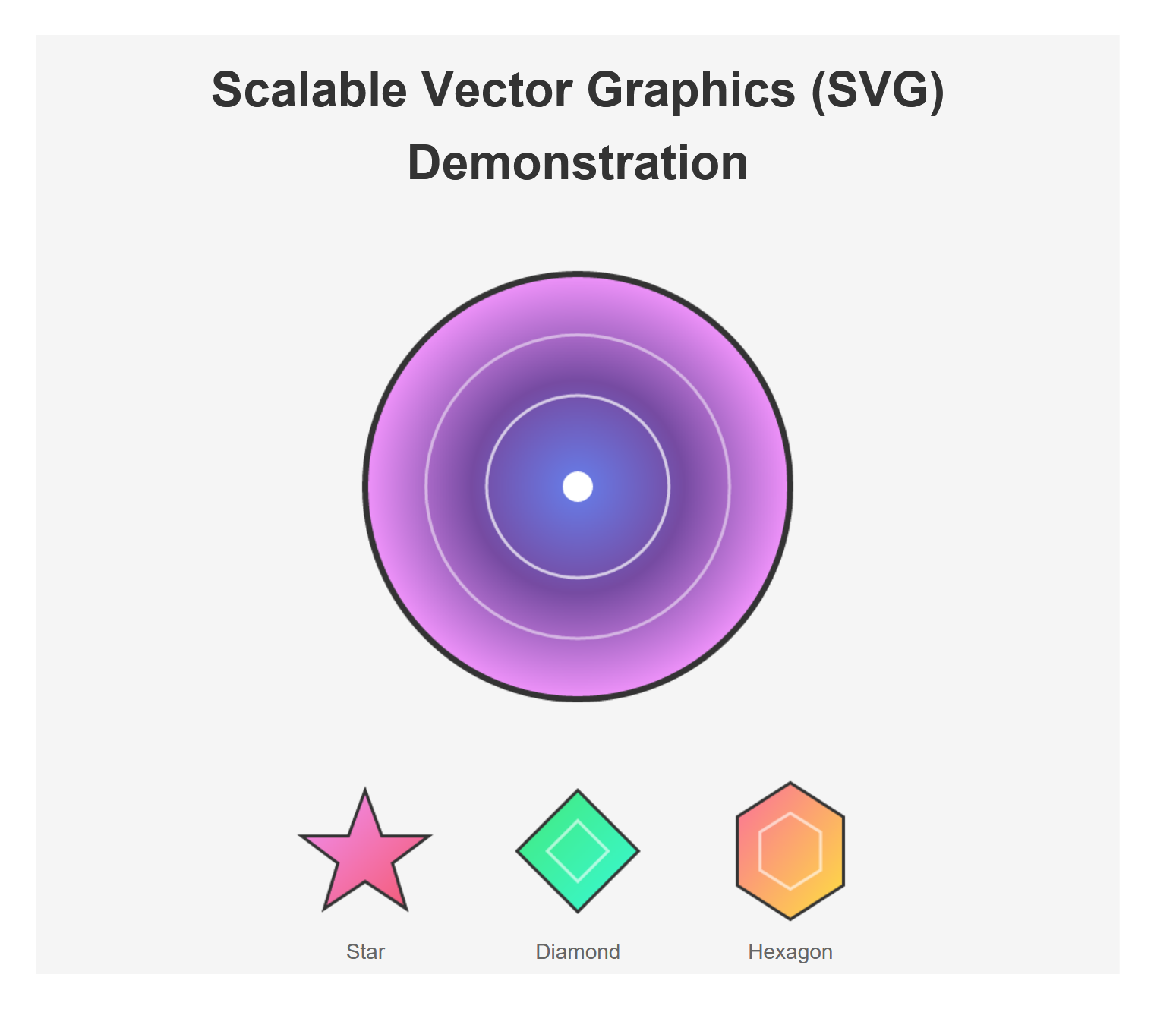
Inline SVG with shapes, paths, text, and basic transformations.
RGBA colors, opacity, and alpha transparency in all elements.
CSS transforms including rotate, scale, skew, and translate.
Complete box model with margins, padding, borders, and shadows.
Multiple page sizes including A4, A5, Letter, Legal, and custom sizes.
All processing happens locally on your device. No internet required.
Optimized rendering engine for quick PDF generation.
Beautiful interface designed for phones and tablets.
Download now and start creating professional PDFs on Windows or Android.